Allow
Valid actions continue, subject to the agent's own permissions.
Read README.md
Investigations for security and platform teams
Invite-only pilot. Public signup is closed. Request an invitation or sign in to your existing account. The sample investigation remains open to everyone.
Connect agent requests, policy decisions and reported outcomes in one investigation. Reach a supported conclusion and share tamper-evident, independently verifiable exports. Add supported hooks when you also need runtime controls.
See an allowed action, a blocked action and a missing receipt. Download the synthetic report and verify its evidence without an account. Connecting your own agent requires setup and a workspace.
Hooks and application-owned dispatch adapters
For connected hosted checks, choose which tools run, wait for review, or are denied. The hosted coding-policy checks remain active; a generic local policy engine is not a shell sandbox.
Valid actions continue, subject to the agent's own permissions.
Read README.md
The exact action waits for a reviewer. An approval permits one matching retry.
Edit src/billing/invoice.py
The hosted coding-policy path denies this recognized destructive command even under an Allow rule. This is not a guarantee for every local policy, shell command, or unwrapped tool.
Bash rm -rf ./build
How it works
A review step for actions that matter, alongside a timeline you can inspect afterwards. Read existing records without enabling a new enforcement integration.
Read the product walkthroughGuided setup for Claude Code, or a downloaded adapter for application-owned tool dispatch. Framework labels do not mean automatic interception or a turnkey plugin. The closed-source client ZIP is available through authenticated onboarding for the direct EnforcementClient SDK and read-only Forensics MCP. It is separate from the native-connector adapters below; do not install a public namesake package.
Sign in to install the native connector and download the adapters. Extract pramagent_gate.py beside your application; this Python adapter uses the standard library and the installed connector, not a pip-installed SDK.
from pramagent_gate import Gate

# send_email and tool_call belong to your application.
gate = Gate({"send_email": send_email}, integration="openai")
# Runs the tool only after an explicit allow.
result = gate.tool_call(tool_call)Set Allow, Require approval, or Block for each exact tool, or import a validated JSON rules template. Claude Code can confirm in its own prompt; other adapters use website review. Slack, Teams, or Telegram can notify your reviewers. Notifications do not automatically resume an agent.
Search a session timeline, replay the recorded policy, and export a signed bundle you can verify offline. Missing receipts and unavailable checks stay visible.
The exported ZIP includes verify_bundle.py (the standalone bundle verifier), not a script you must invent. Use a verifier from a trusted release, or authenticate the supplied script independently before running it. Extract it into a new directory and keep evidence.zip available there. Obtain exporter and collection public keys independently.
$ python -m pip install cryptography pqcrypto
$ python verify_bundle.py evidence.zip --trusted-key exporter.pem --v2-keys checkpoint-keys.json
# Exit 0 authenticates the selected records.
# It does not prove a complete history.
V2 checkpoint verification needs the collection key registry. Without authenticated record contents, verification remains unattested. pramagent evidence-v2-verify checks a V2 envelope; it is not a ZIP bundle verifier.
Website review shows the proposed tool and arguments, bound to the session that asked. An approval permits one matching retry within 15 minutes.
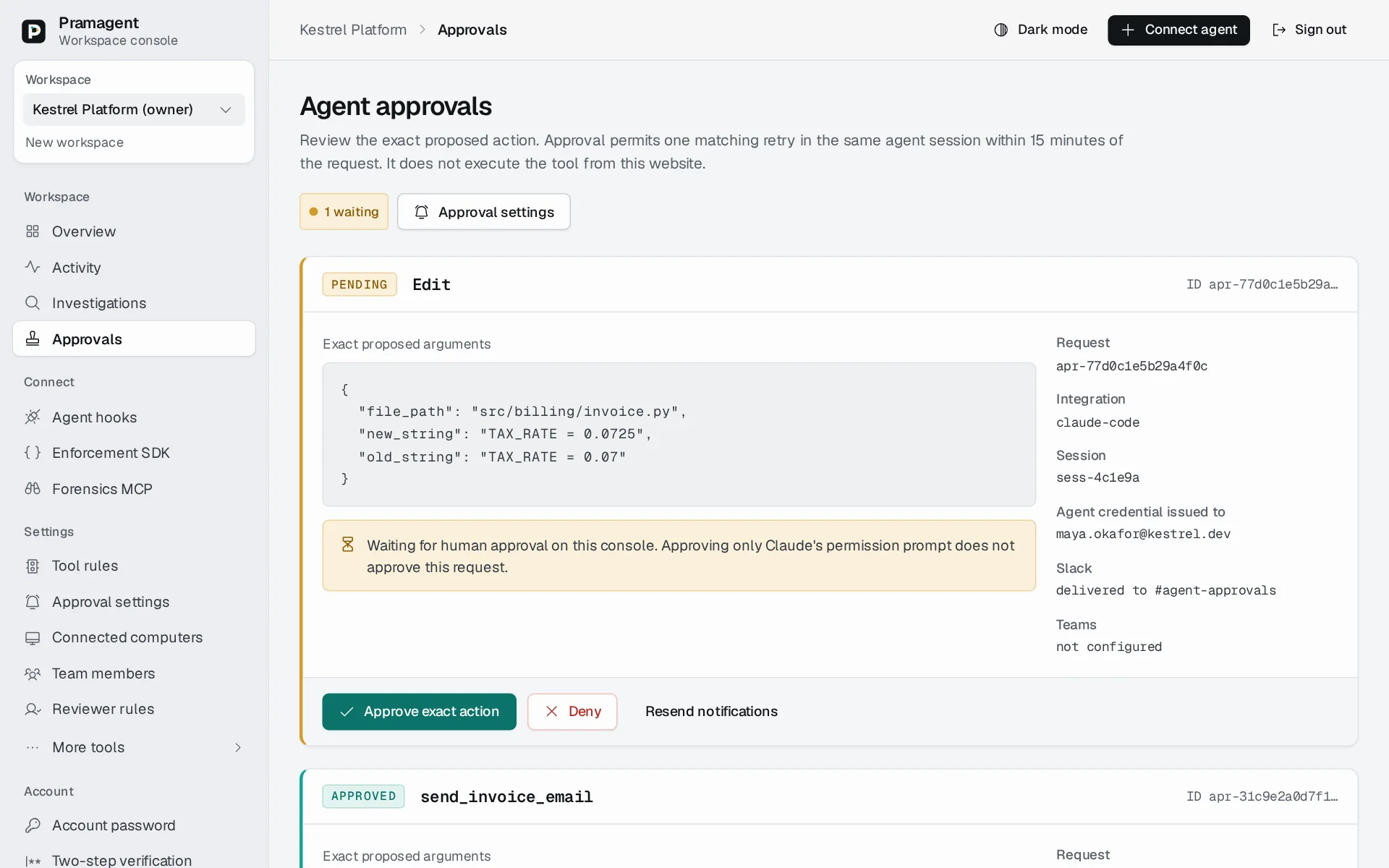
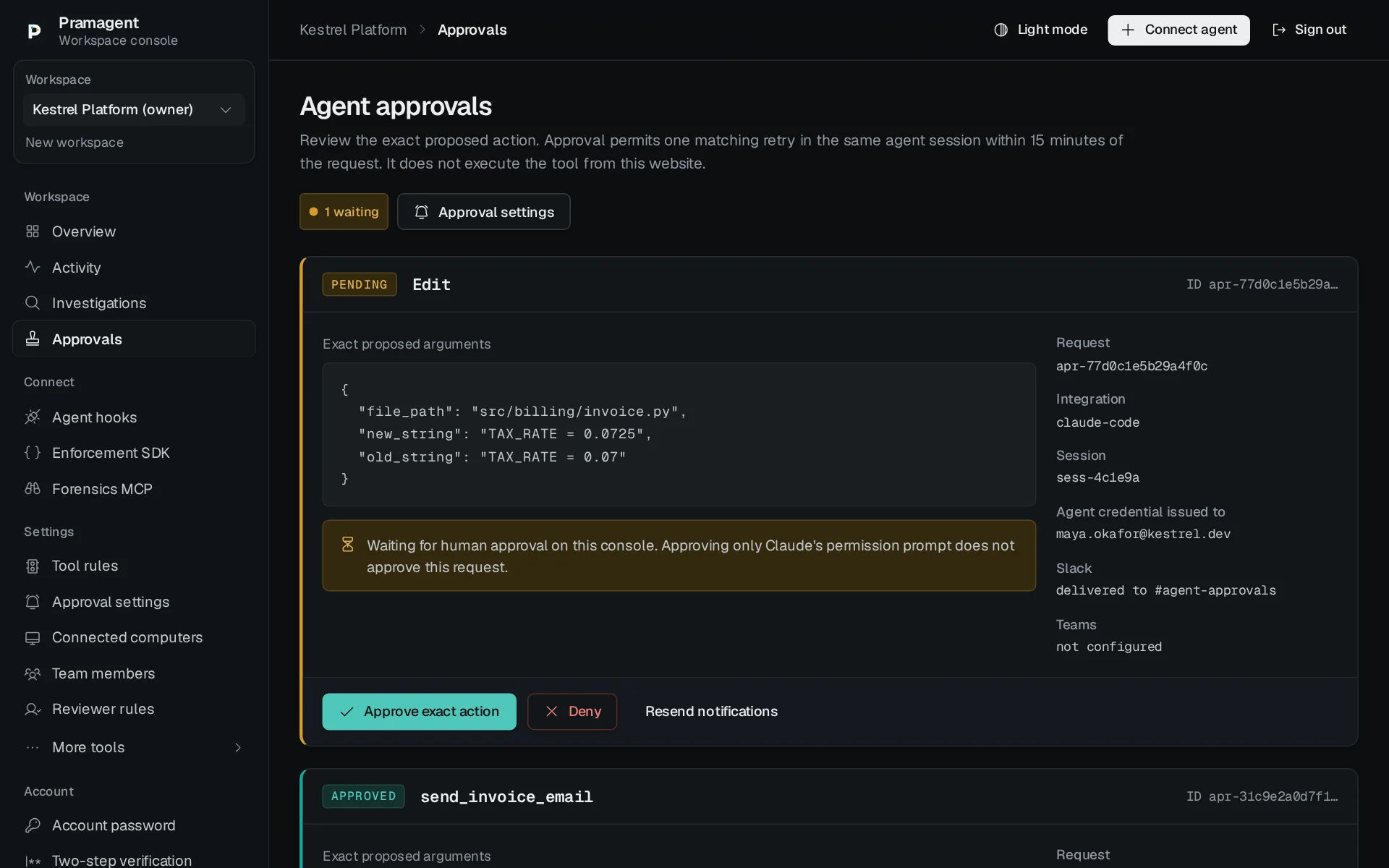
Start with the no-login sample. In your workspace, inspect recorded tool decisions, blocks and supported outcome receipts. Keep your agent's existing permissions; the timeline shows what was submitted, not everything that happened on your machine.
Use workspace roles, shared exact-tool rules and separate reviewers. Follow selected evidence through cases, missing outcomes and offline-verifiable exports. Agree on capture scope, retention, access and recovery expectations before a sensitive-data pilot.
Discuss a team pilot · Review trust boundaries
Pramagent records decision metadata and audit hashes. Website reviews also retain encrypted proposed arguments. Other workflows can retain additional content.
Hashes cannot reconstruct missing information or prove an action executed. Investigation exports make those limits explicit.
Workspace owners can choose metadata-only, customer-retained inputs, or operator-enrolled encrypted snapshots. The effective capture policy is visible in Evidence settings. Changing modes does not recover old arguments or delete earlier evidence; no automatic retention deadline is promised.
Read the data and security boundariesTool, decision, and policy revision.
Reviewer and exact action fingerprint.
A check is not proof that the tool ran.
Selected records, with the gap stated.
Long-lived evidence, explicit trust
Configured evidence-v2 checkpoints use Ed25519 + ML-DSA-65 signatures. That is separate from the bundle manifest's Ed25519 signature. Verify the actual algorithms and separately trusted keys; not every deployment or historical record has a hybrid checkpoint.
Selected evidence can be checked offline. Archive renewal tools are available for operator-managed preservation; renewal is not automatically scheduled and no decades-long retention or future-proof guarantee is made.
They authenticate signed bytes under trusted keys. They do not prove complete collection, independently observed execution, legal admissibility or compliance certification.
Ordinary investigation and tool checks do not depend on a quantum computer. Quantum hardware experiments are a separate research track, not a demonstrated detection advantage. Explore Labs and research boundaries.
The deterministic enforcement path evaluates rules without an additional model call. Hosting, storage, and optional model-based features still use resources. We do not claim measured carbon savings.
Deterministic tool checks, approval matching, and evidence hashing use ordinary CPU code. Optional model-based reviews are separate and can consume tokens.
Rule evaluation, audit storage, and network round trips all contribute to latency. Local benchmarks are not a production response-time guarantee.
Connected adapters return denials and pending approvals to the host. Your agent must honor the stop signal; a rate limit alone cannot prevent it from making more model calls.
Choose capture deliberately. Metadata, encrypted snapshots, exports and backups have different storage costs and recovery requirements. A limit is not a retention or availability guarantee.
New Claude setups use native confirmation by default, subject to workspace rules. Other adapters use the website. External channels send a link to authenticated review. Resume the agent after website approval.
Native preview connectors support Windows, macOS, and Linux, with integration-specific setup instructions. Publisher signing and macOS notarization remain pending.
A hook is not an operating-system sandbox. Actions outside the configured tool path and changes made by someone with local control may bypass it. Organizations need managed runtime settings and endpoint permissions.
No. A pre-tool decision records what was allowed or denied. Supported post-tool hooks add a host-reported outcome receipt with status, output digest, and attributed file changes; the investigation keeps missing receipts visible.

See an allowed action, a blocked action and a missing receipt before connecting anything.
Try the sample Request an invitation